Electron Lab
Learners go from “what is electricity?” to building, programming and battling their own robot, all in the browser and ready for real hardware.
Wire real circuits
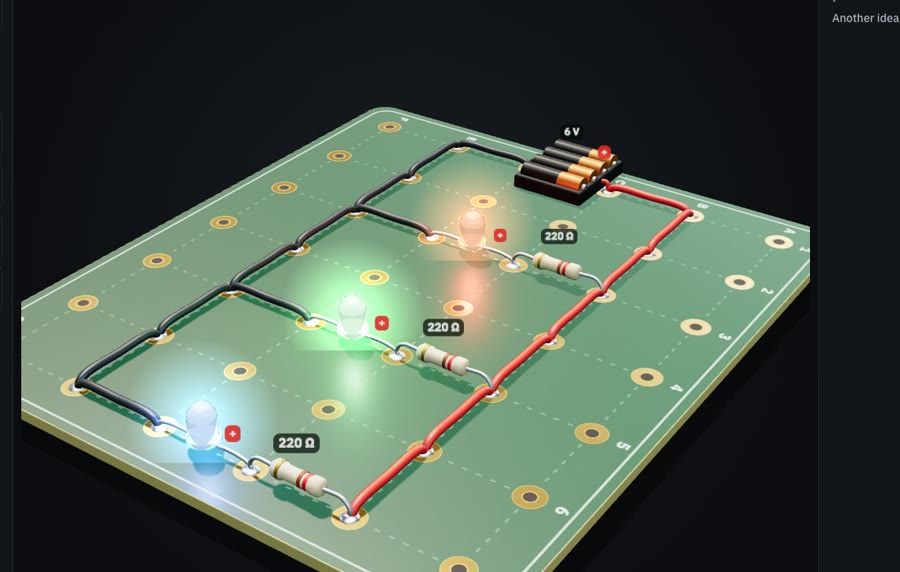
A circuit solver runs every build. Too little resistance burns out the LED; measure it with a multimeter and Ohm’s law appears.
Program it with blocks
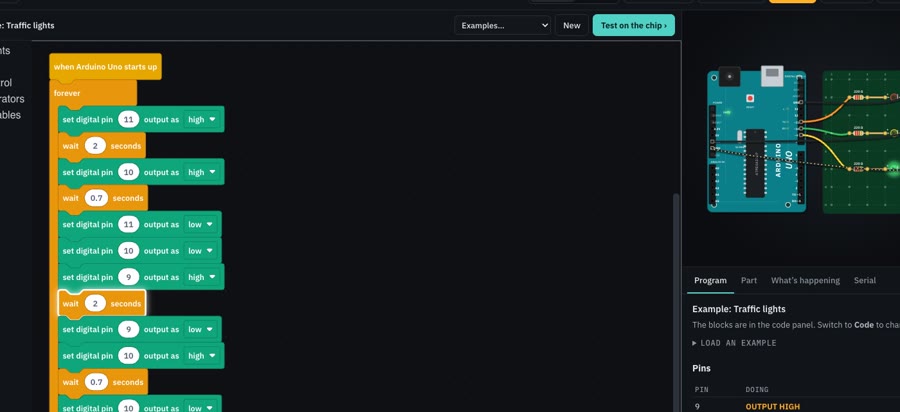
Blocks run on a simulated Arduino Uno. Each block lights up as it runs, and every pin shows its voltage.
Run it on hardware
Programs save as .mblock files. Open them in mBlock and upload to a real Arduino robot.
Inside the labs · real screens
The problem
Robotics kits teach children to copy wiring diagrams and drag blocks until a robot moves. Few explain why it works: what current is, why a pin cannot drive a motor, or what a microcontroller does with a program. Kits are expensive, parts break, and a class shares a handful of boards. Electron Lab teaches the engineering underneath, with simulated parts that behave like the real ones, so every learner can build, measure, fail safely and try again.
Who it is for
Written for learners of about 10 to 15, with no prior electronics or coding. It works on a tablet or a laptop and is designed for learners anywhere, not one country or one kit.
What learners learn
- Electricity basics. Closed loops, LEDs, motors, series and parallel, battery packs.
- BBC micro:bit. First programs: lights, buttons, tilt, temperature and sound on the board many schools use.
- Program an Arduino. Meet the Uno, write Blink from blocks, then wire lights and program them.
- Inputs and decisions. Buttons, if and else, fading with PWM, and a night-light.
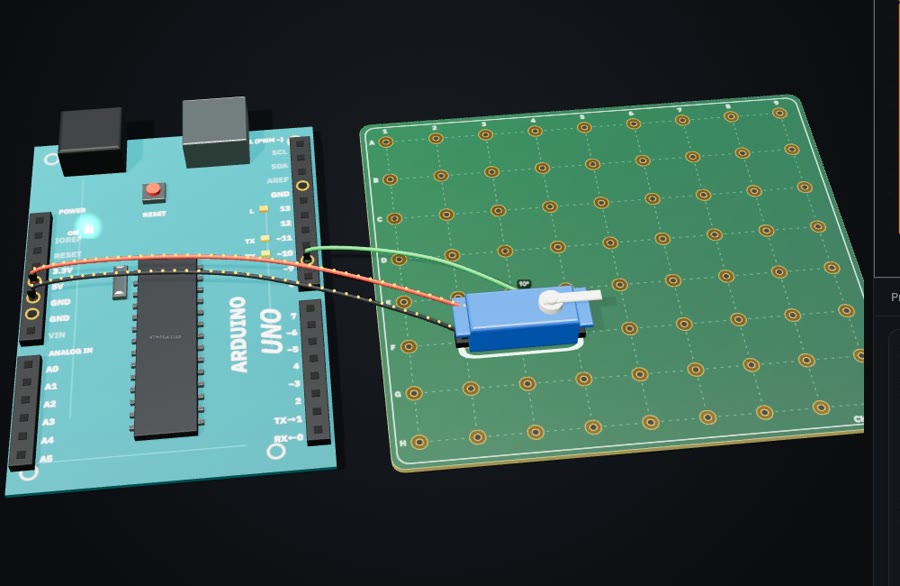
- Arduino sensors. Servos, knobs, temperature, motion, distance and colour.
- Motors and drivers. The H-bridge, PWM speed control, steering with two motors.
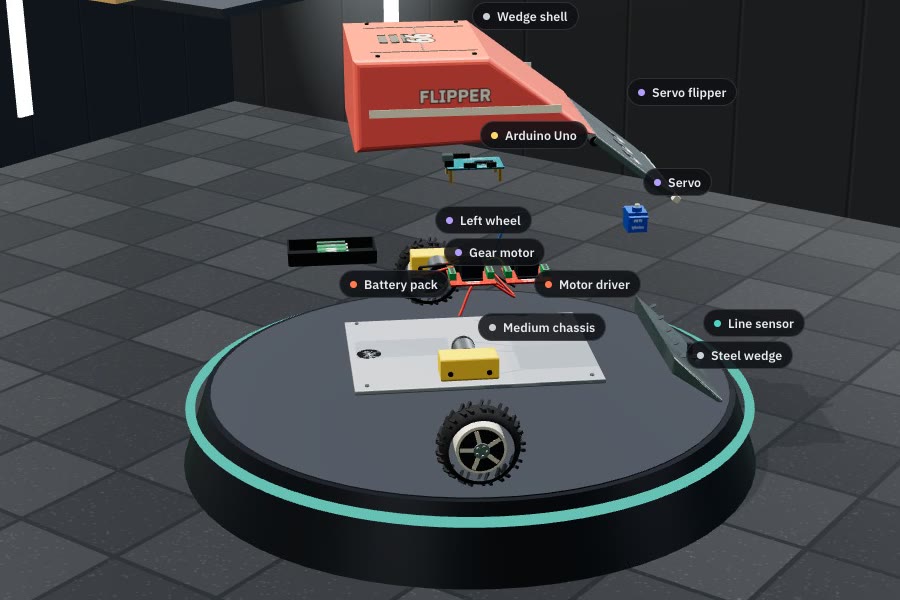
- Build a robot. The learner’s own circuit becomes the robot. They test it on tracks, with line sensing and seek-and-push.
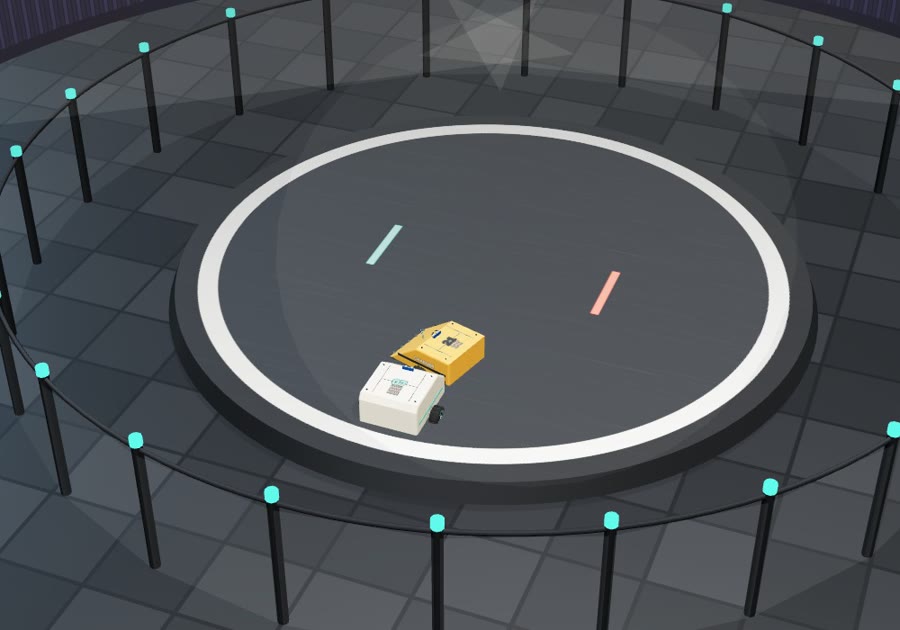
- Robot arena. Sumo against five practice robots, from easy to champion.
- Measuring. Optional. A multimeter, then Ohm’s law from their own readings.
- Sharing the push. Optional. Voltage dividers, light sensors and dimmers.
- Transistors and logic. Optional. AND, OR and NOT gates, and switches worked by electricity.
- Inside a microcontroller. Optional. The ATmega328P’s memory, bits, clock and pins.
- Seeing signals. Optional. The oscilloscope: what PWM and a servo’s signal really look like.
- Drive a mission robot. Optional. A robot with a hub for a brain: lights and beeps, exact distances, turning by the gyro.
- Robots that sense. Optional. Stopping before a wall, reading colours, following a line, and a timed mission.
- A real robot board. Optional, for one kit. A 3D tour of the Uniko EKAM: driving pins, wiring and uploading.
- Sensors and motors. Optional, for one kit. Its servo, IR sensor, microphone, remote and charger.
How it teaches
Roadmap
Where feedback would help
- Curriculum. Is the sequence sound and the science accurate? What is missing for this age group?
- Outreach. Could it support pre-university engineering outreach, mentoring programmes or robotics competitions?
- Pilots. Introductions to schools or robotics centres willing to try the classroom version for a term.
- Assessment. How should learning be measured and credited (badges, certificates, teacher reports)?
Built for children. No ads, no third-party tracking and no account needed to start. It works offline. An account stores only a child’s first name and learning progress; children never give an email address.